Final Devlog
Wrapping up my Game design class with a walkthrough of my entire process for the final devlog. We have taken quite a jump since I last updated you, and I have broken down my additions.
Materials:
I originally planned for the entire map to be a warehouse where you could dart from crate to crate. Where ya would need to find a key to get to the second floor and a key to get to a vault on the same floor, I also thought it would be neat to add a Cat as an interactable AI, which you would be able to use as a sort of distraction for the Enemy AI. However, my plans have changed, and I have since removed the cat due to issues with its mesh and difficulty finding animations for it. I did reinstate Tsome code in the EnemyAi so that they would be able to be distracted by the Distraction item again rather than the cat soley being the one able to be distracted by it and in turn can distract the enemy Ai. I feel this change will make it more focused on being against the Enemy Ai and playing around them if so the player chooses that approach.
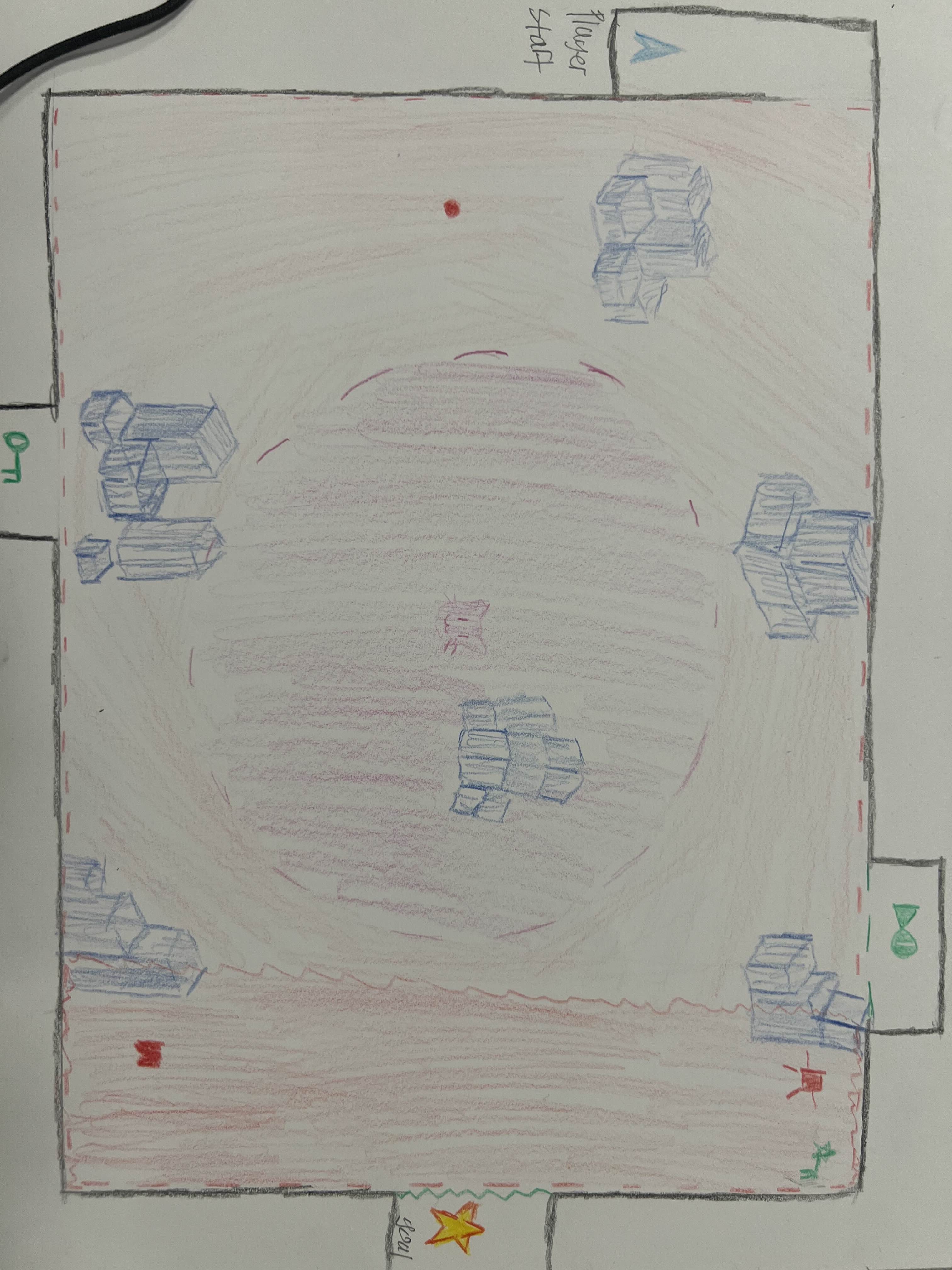
Following Advice from my midterm, I set out to change the layout of my play area. I decided to cut off access to the other half of the warehouse and add more to the outdoor space to make the game feel less stiff and boxy. While I wasn't sure about the feeling, I didn't want to go for it yet. Reblocking and adding placeholder objects gave me ideas for where to take my game and how to expand it further. The layout is simple, yet as you'll see, it takes a drastic jump.
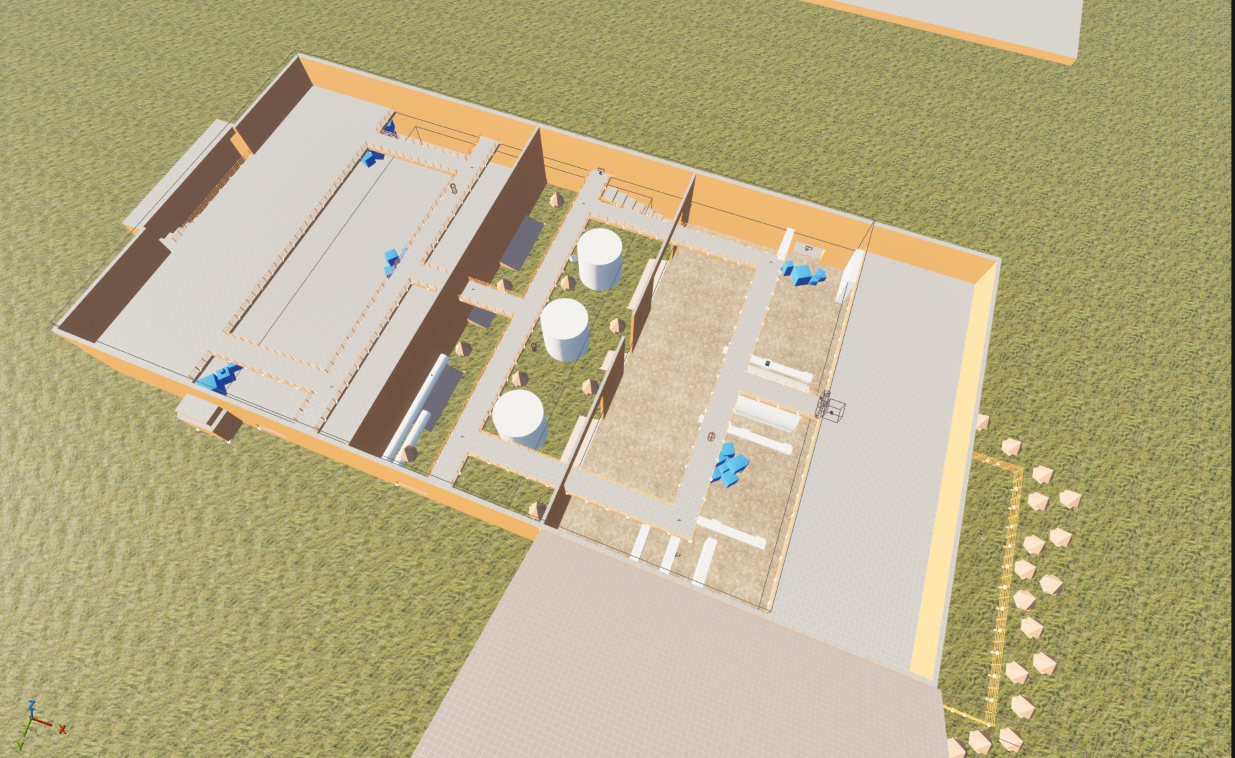
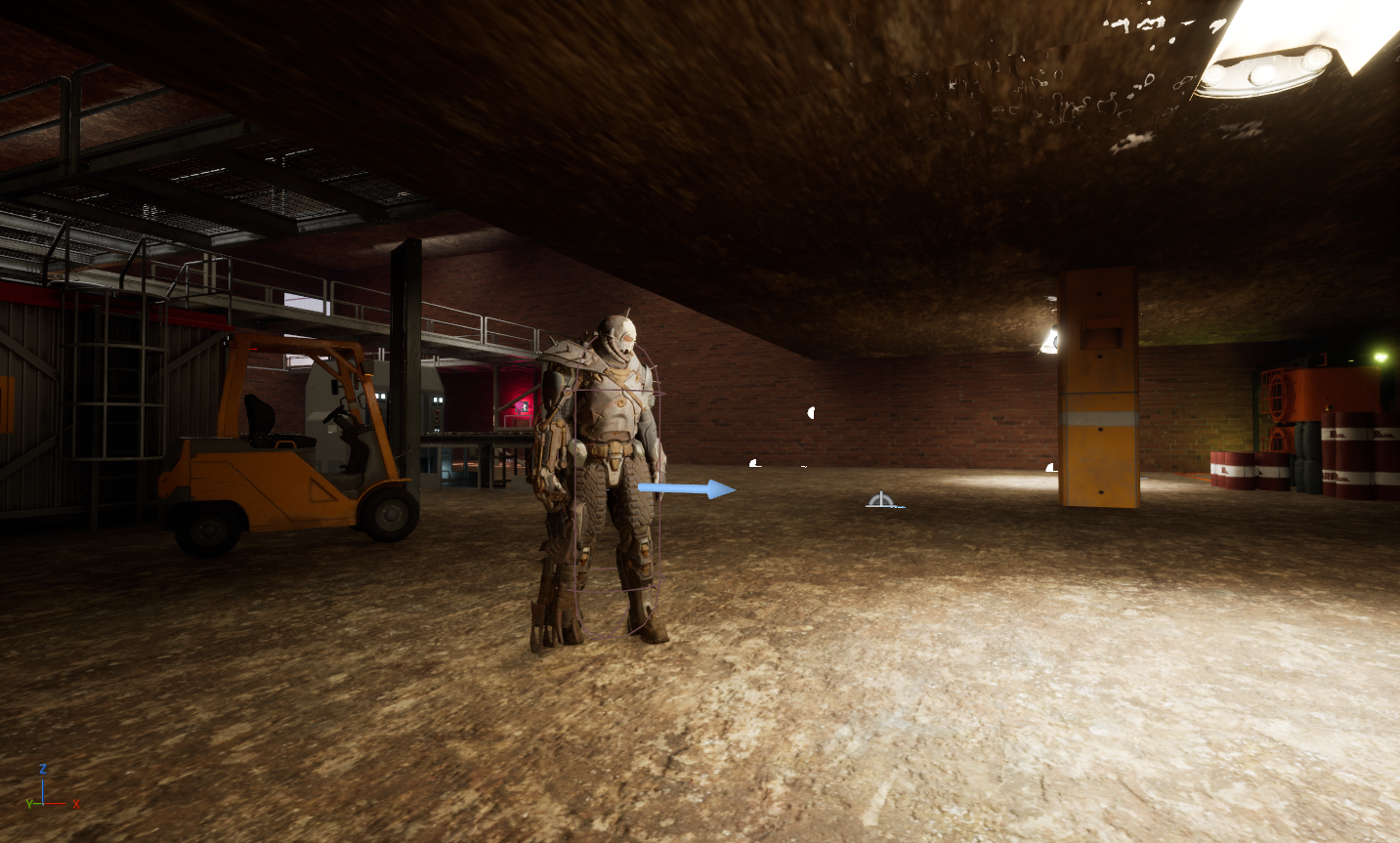
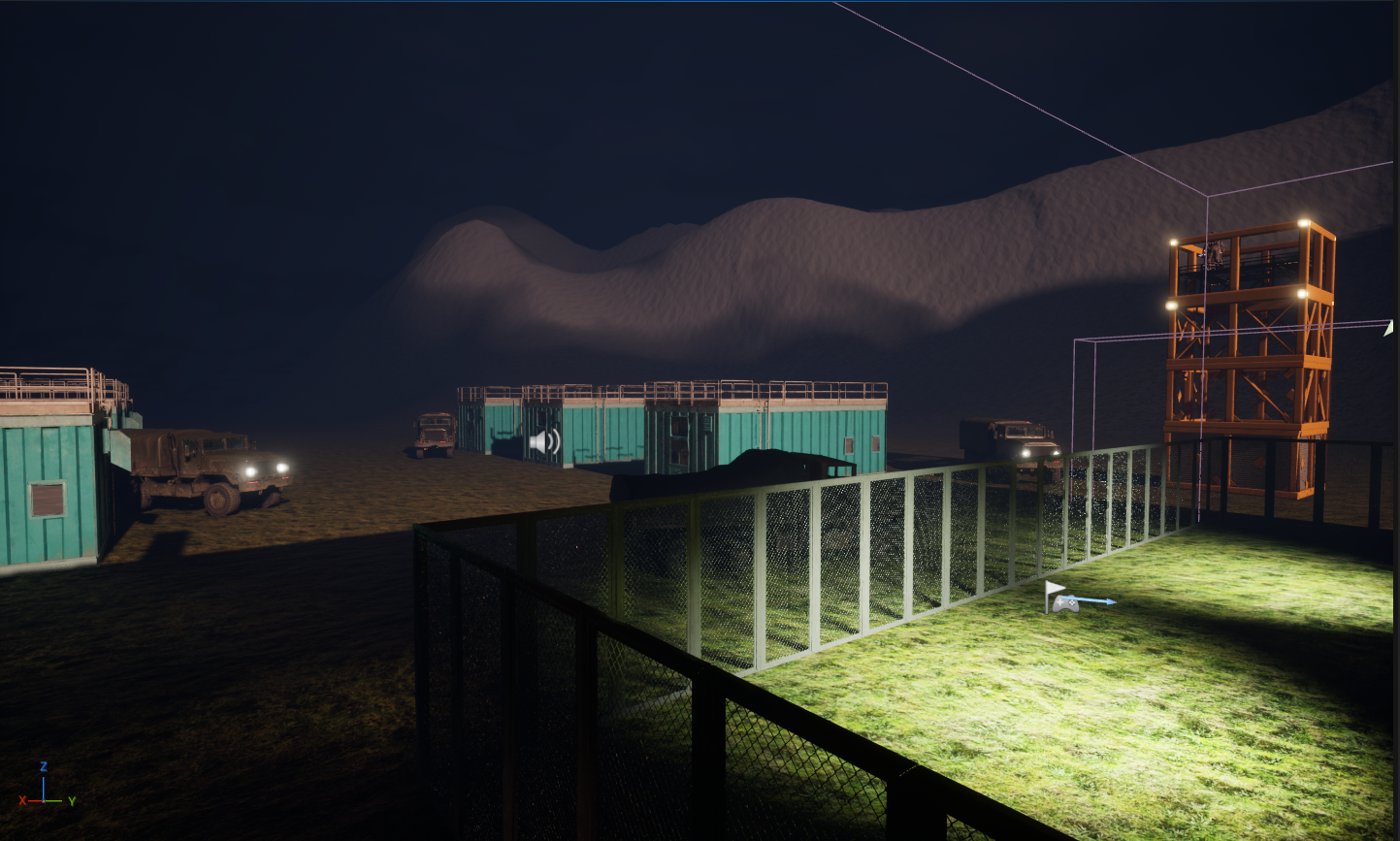
In choosing my materials, I focused on what I believed would add value to a weapons manufacturer or even a bad-goods warehouse. I was set on getting the feel of going through a restricted facility. I removed the side compartments from the building, added stairs, and replaced the platforms with something way better. I didn't review the materials until I said and implemented lighting, and upon review, the player needed more places to hide behind if required. A part I added later, after finishing up lighting and post-processing, was additions to the outside. First off, I removed the trees and added housing compartments, watch towers, and trucks. It did a great job of making the outside look less bare, and I hope it gives that effect to the player and can build on the feeling of this base being a protected facility.
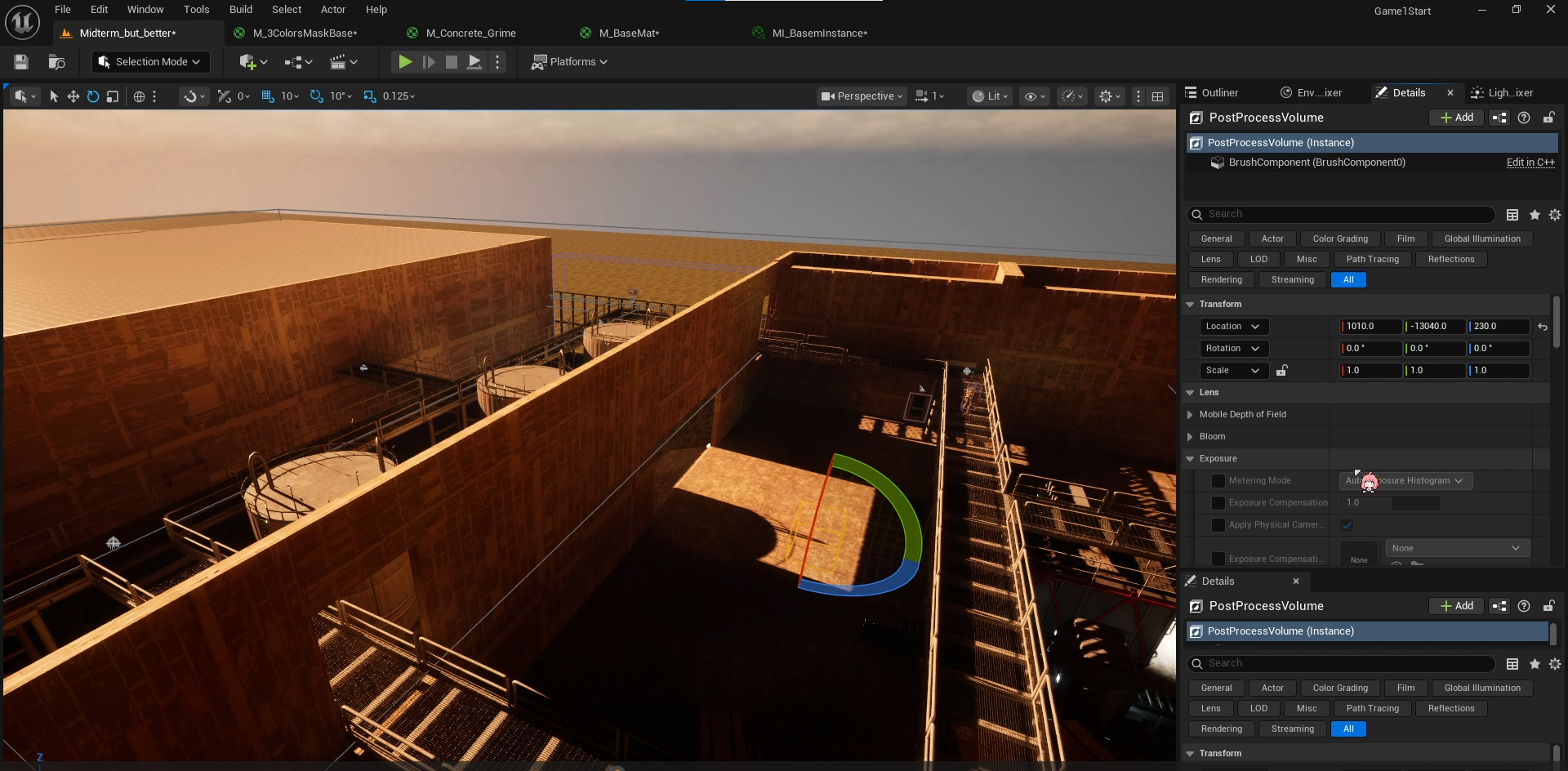
I wouldn't say I encountered many issues other than replacing walls because of colliding meshes. However, the biggest problem for me was dealing with textures, as I had to connect different meshes to get doorways and the like. But, I have been able to mess with the tilling and instances to get around that for the brick textures on the warehouse. A minor issue I resolved with the professor was fixing the Enemy AI model so it wouldn't be squished. I was planning to trash that model for another one, but that fix made it more appealing to me. It gave the enemy AI's this almost scrapper-like look, like they mess around with gear and stuff a lot. I could see them in a warehouse getting up to shenanigans. Although I was conflicted about whether they would clash, cause I didn't want the tech inside to be too fancy or go against their designs or feel. I want the feel to be like a trashy warehouse in the middle of nowhere, they took over and revamped, and it's up to the player to sneak in and find out what they are up to.
Lighting:
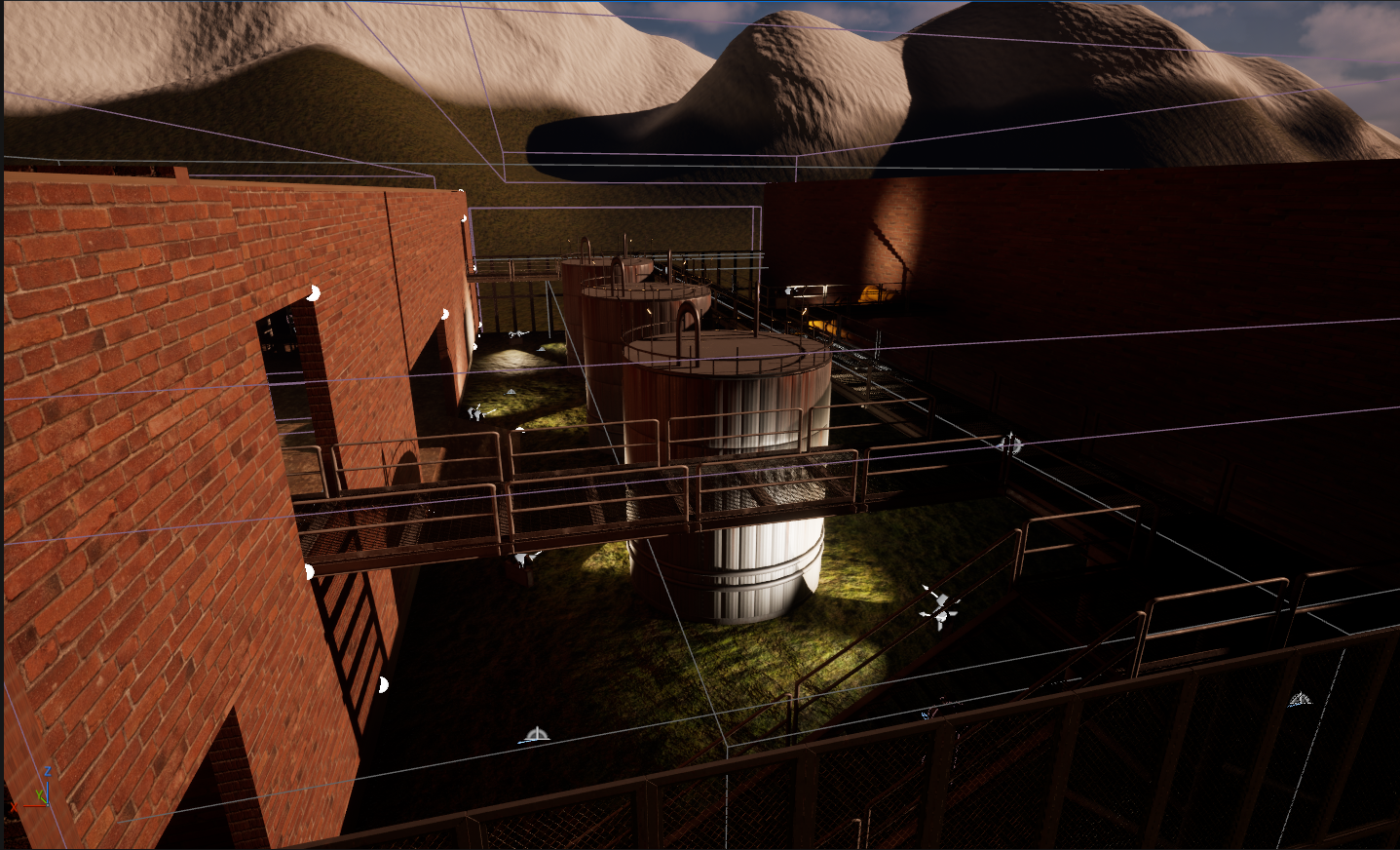
When I was just about finished getting to a comfortable place with my materials, I then headed over to lighting. I didn't have any idea how I wanted my lighting to be at first. I thought having the game take place at dusk, when it's starting to get dark. That would add to the atmosphere of needing to be as stealthy as possible. I didn't plan on going darker than that, as I wanted outside light, and I wasn't too confident messing around with smaller light sources. I was able to find a direct light and a temperature I was comfortable with. The slight orange adds more vibrancy here, which will change a bit later through post-processing.
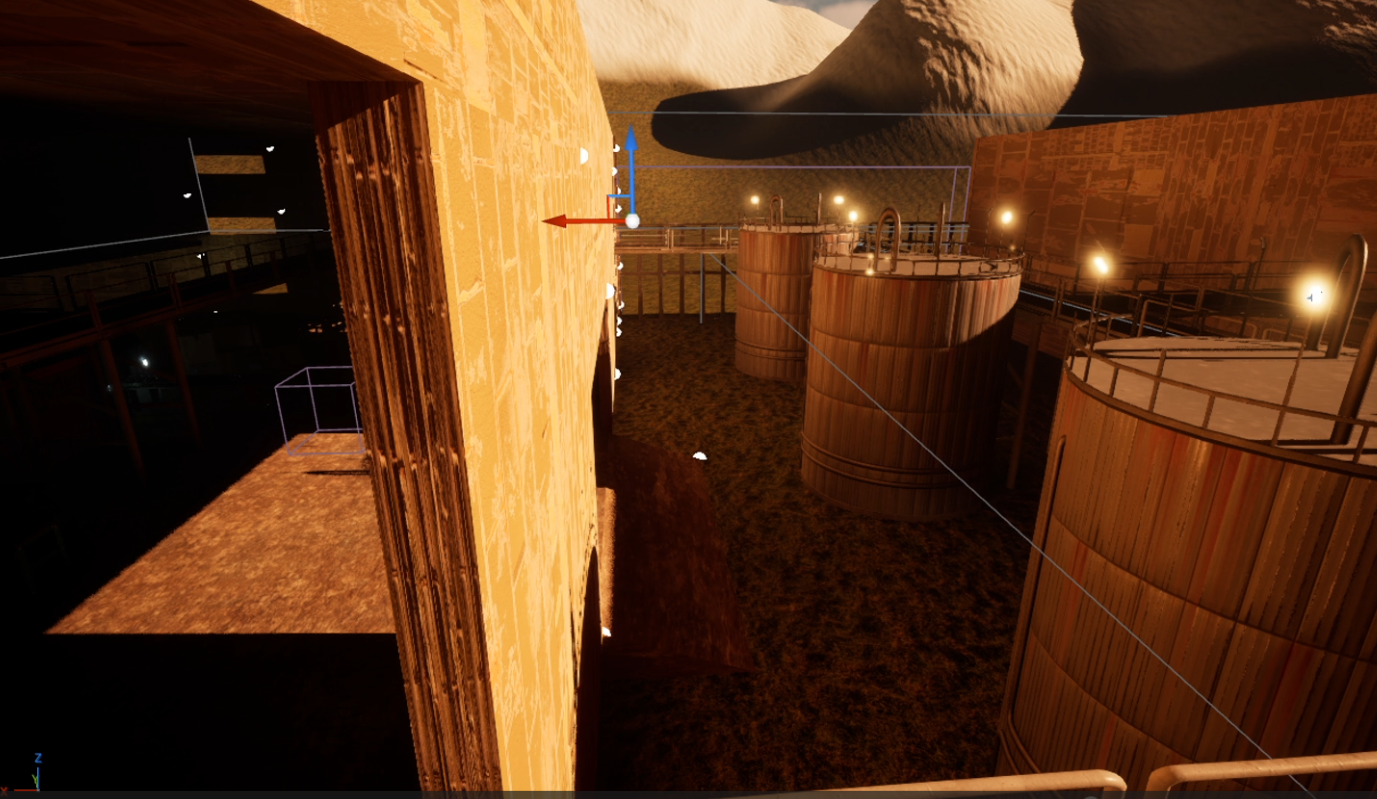
Indoor lighting was the trickiest for me, as the light fixture I initially built did nothing to illuminate the interior of the building, and adding more only made things worse, since I had way too many lights on the ceiling; I really didn't want too many lights. Thankfully, through post-processing and a hanglight mesh, I was given ideas and the means to put them into action.
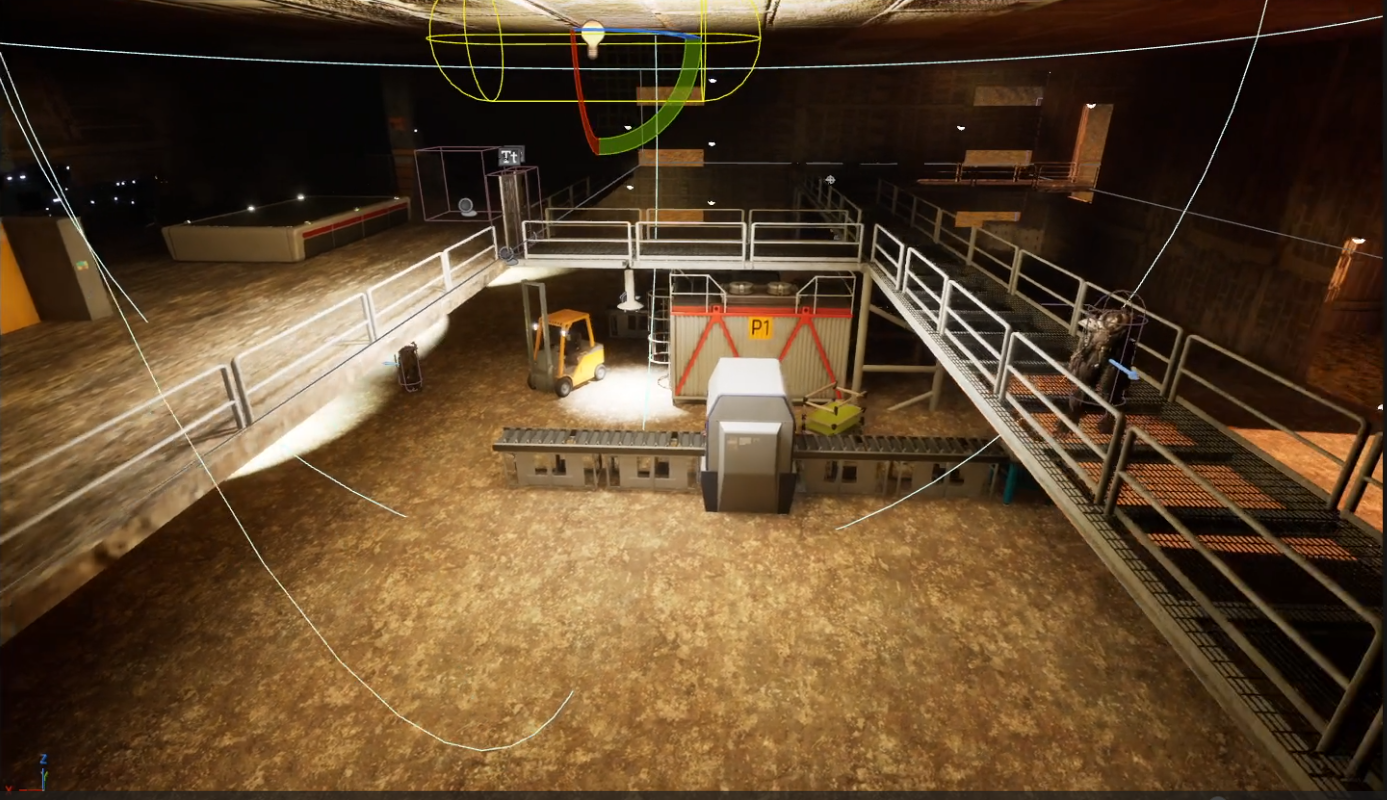
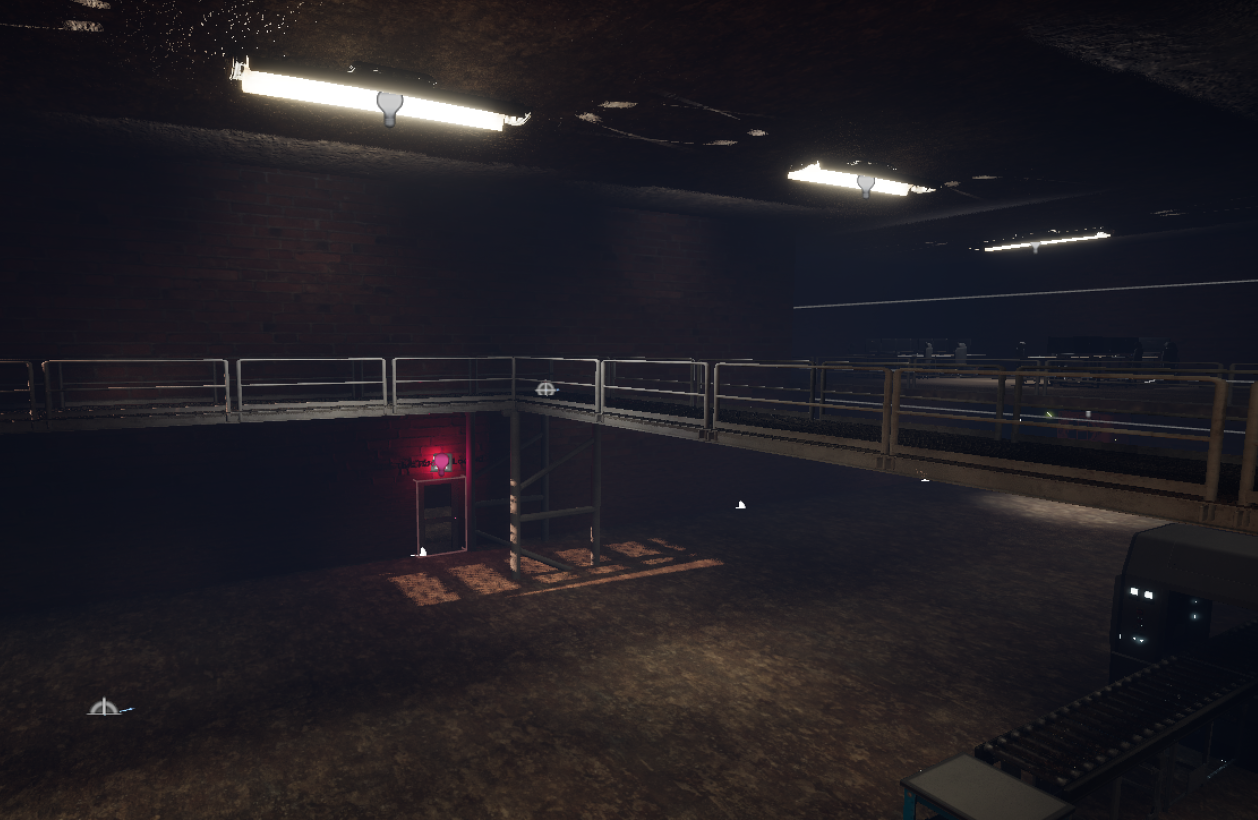
The hanglights added to the feel I wanted in my materials while also keeping the number of lights needed down. Post-processing allowed me to increase the light's intensity and tweak it so it wasn't overbearing or detracted from the feel. It did increase the light intensity outside the building as well, but I worked around that by adding another post-processing box for the outside. From there, I focused on making the transition from the inside light to the outside more seamless and less jarring. As for mood, I don't know how to play with lighting too well. For me, it was important for the player to see. So I did my best to light the building just enough for the players to see their surroundings. Darkness in games makes it a bit hard to see and really get into the game for me. I decided to play around with some spotlight meshes for the outside and have them shine on an item the player could use. That would add a hint for the player and also show them a place they could use as an alternative route towards their goal. Building on that, I added a red light above one of the locked doors, hoping it would draw attention to it and encourage the player to reach that door and search for a way past it.
Audio:
After wrapping up with my lights, I went on to mess with audio. I wanted the sound of machinery to loop as a sort of ambience. But my fear with that is I didn't like the ambience to be too loud or distracting. So I did my best and ended up going with this bottle-sounding one, accompanied by a softer conveyor belt audio. Turning our attention to the outside, I ended up mixing the sounds of a forest and the wind. Although the winds quieted down a lot, they were way too much at first. Those, too, add to the mood I want to go for. They make the outside feel more alive, but also separate in a sense. I am not sure if you can tell, but my game takes place in the middle of the mountains, focusing on this Warehouse these scrappers use. I want to give off the feeling that you are stumbling upon this and trying to put an end to it. Another touch for the outside has to be the steam audio I put on the metal cylinders outside. They randomly shoot out steam audio at different times.
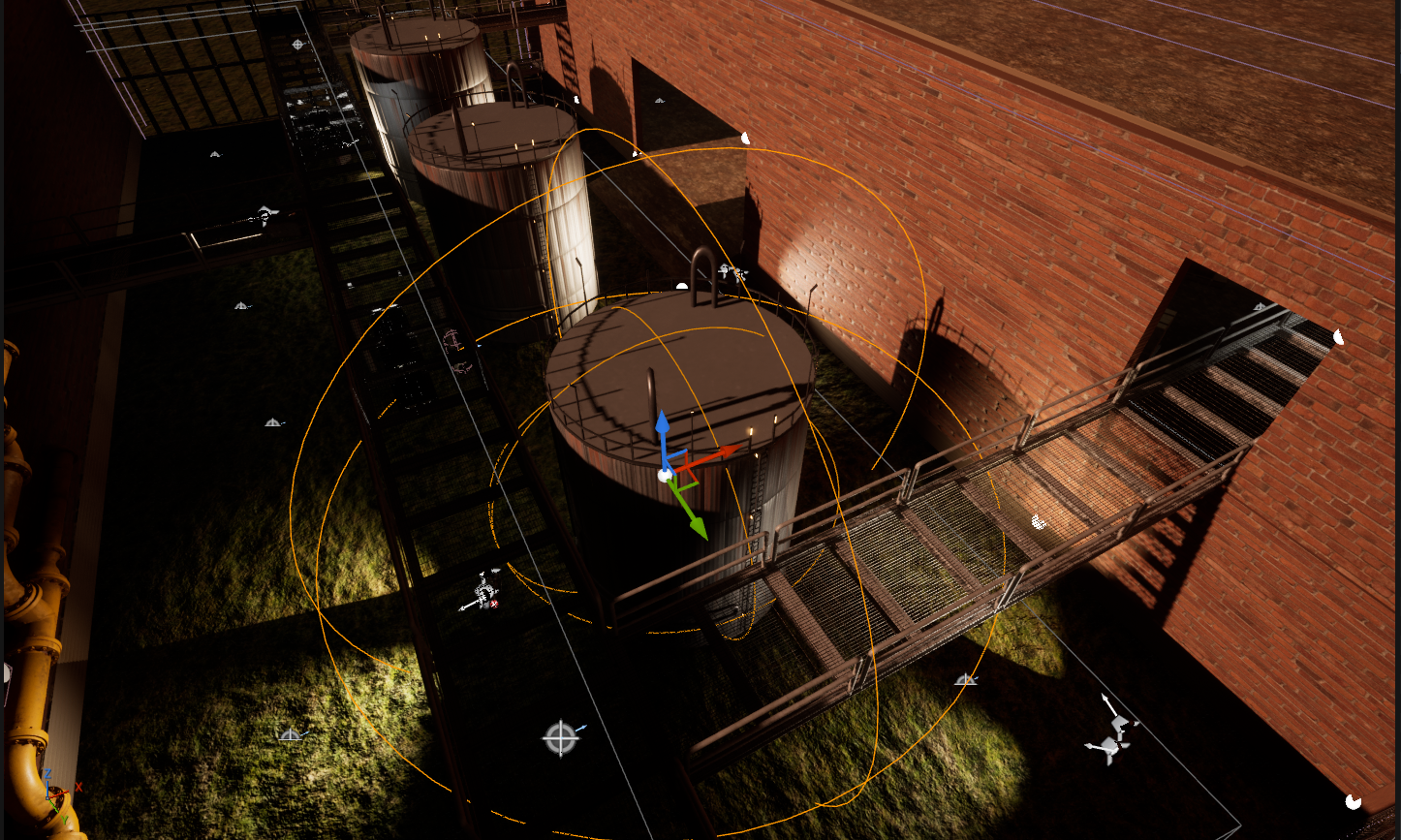
The final touches were adding audio and SFX that had been missing from our characters and enemy AI. I said in multiple variations of jump sfx for the player character, along with footsteps. However, I encountered issues with the enemy AI and couldn't get the footsteps working for them. I ended up shifting priorities and gave an SFX to their attacks instead. Overall, my choices of ambience and SFX will add to the Warehouse, making it feel more alive and like an actual place. The sfx for the attack gives it more weight. I do wish I had gotten the footsteps working for the enemy AI, as I would like to make their steps sound heavier and intimidating. I tweaked the audio a bit so it's not overly loud, and it felt more realistic to me.
Post-Processing and Vfx:
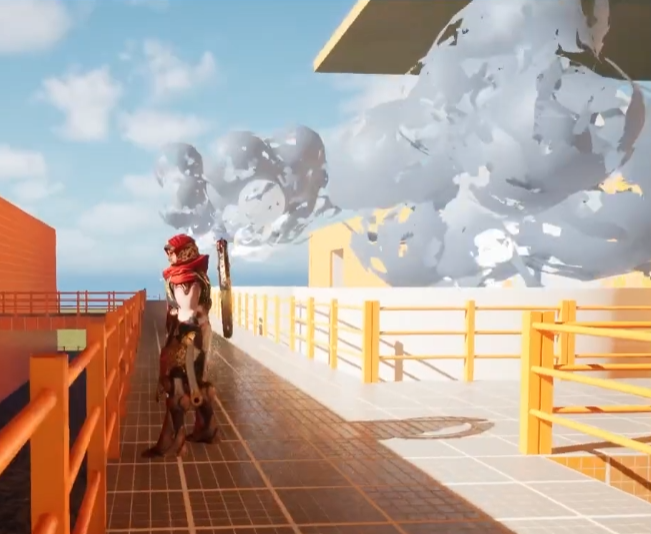
Messing around with post-processing and VFX, I ended up in this fog that added a lot to my scene. While the outside trucks and watch towers made the outside feel less barren, there was still so much bare space, which the fog pulled everything together. Everything still feels secluded, but also more inclusive. It brings the player's attention back to the scene and to what I have placed around them, drawing them more into the game as if it were an actual place. It also made my scene darker, which I was against at first, but given how I set my lighting and the feel it gave off, I ended up keeping it. It made it feel like you are actively trying to sneak into this place after hours, which can be better than dusk. Plus, fog makes it a bit more ominous. While I didn't mess with VFX much further, I did use Post-Processing to increase the strength of my lights so I could use fewer without making them impossibly bright. I also tweaked the color grading a bit to achieve a light yellow-orange that fits the dusk theme I was going for. It worked well with both direct and indirect lighting. Made them feel more like warehouse lights. The brightness from the Direct light was also much easier to tweak in post-processing, since I didn't want to change its angle or intensity on its own. It allowed me to keep the feel while also achieving the brightness level I wanted with the color. I did make a smoke VFX following a tutorial, but I cut it from the game because I didn't feel it fit the mood. It was way too cartoony.
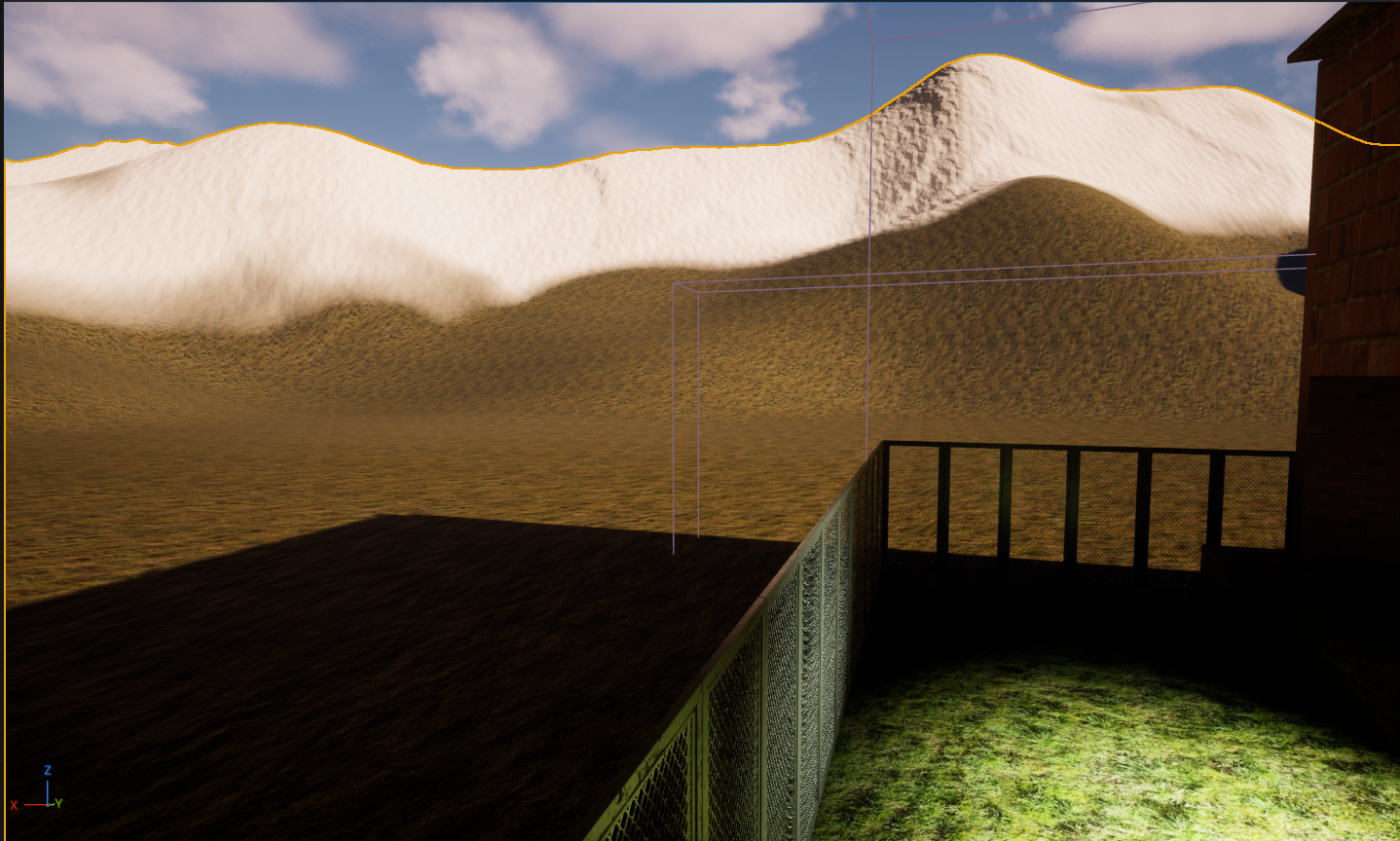
The last step of the process I worked through was by far the roughest for me. For Ui, I did my best to focus on functionality. I planned at first to have the dash HUD and compasses. However, due to some issues and time conflicts, I had to cut them. The compasses lead the player to the objectives I felt would be a bit rough, as I left the game open for the player to either get the key, unlock the door, and get to the second floor that way, or use the pipes as stairs that way. I did cut the dash because I wasn't sure how to set up the animations and everything for it in a reasonable time. I decided to keep objectives in my HUD. Having that would give the player a sense of direction to get started. I wasn't sure how to keep it on theme, so I tried to make it as un-distracting as possible. From there, I got a screenshot from the game to use as the background for my main menu widget and verified it worked. I wanted to redesign the UI and make it look more rugged, but decided to move forward and make sure my other Widgets worked first. I struggled a lot maneuvering with the pause menu widget. While I completely goofed and ignored the fact that I could bring over the logic to the player character. I spent more time than I should have trying to set up an event dispatcher so that pressing p on the player character's blueprint would, in turn, trigger the widget to do its thing. I don't know what I did wrong, but I would like to try again in the future, as it would take up less space and leave my workspace looking more organized. I overthink and overcomplicate things way too much. Luckily, I was able to get it implemented, and all my Widgets and Ui work well. While they don't go against the feel of my game too much, I'd prefer them to enhance it.
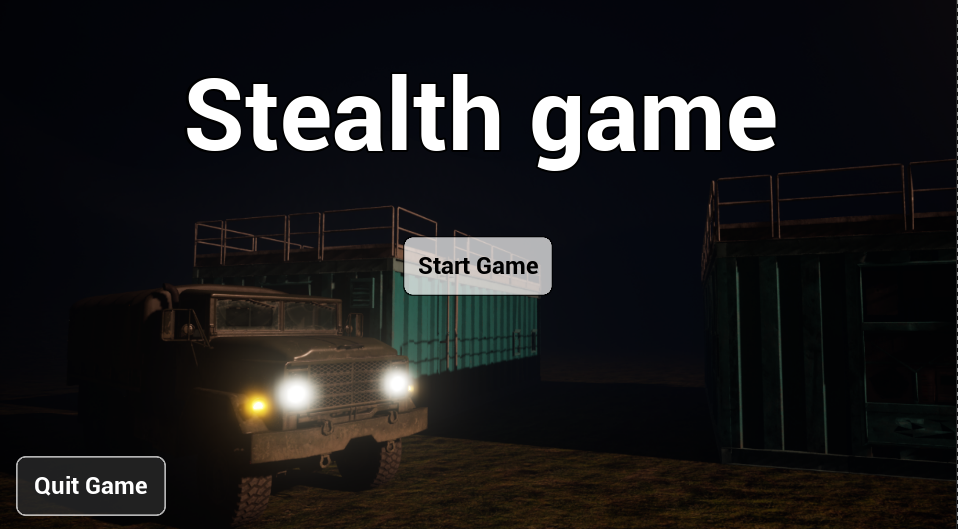
Overall, I'm glad I decided to focus on layouts, Characters, lighting, and post-processing. Turning my attention later to the functionality of my UI and audio. The feel of my Ui suffered for it because of that decision. On the bright side, I got a better idea of the workflow and what each part of the process needs. Henceforth, I should be able to take my best step forward.
*bugs
-I added invisible walls so the player doesn't jump over the fence or get outside of the intended play area
-I removed waypoints for some of the Enemy AI as they broke and just stood there rather than going back and forth between 4 points. I fixed this by adding in nav meshes for those Enemy AI and set them to roam randomly rather than have a set path.
Leave a comment
Log in with itch.io to leave a comment.